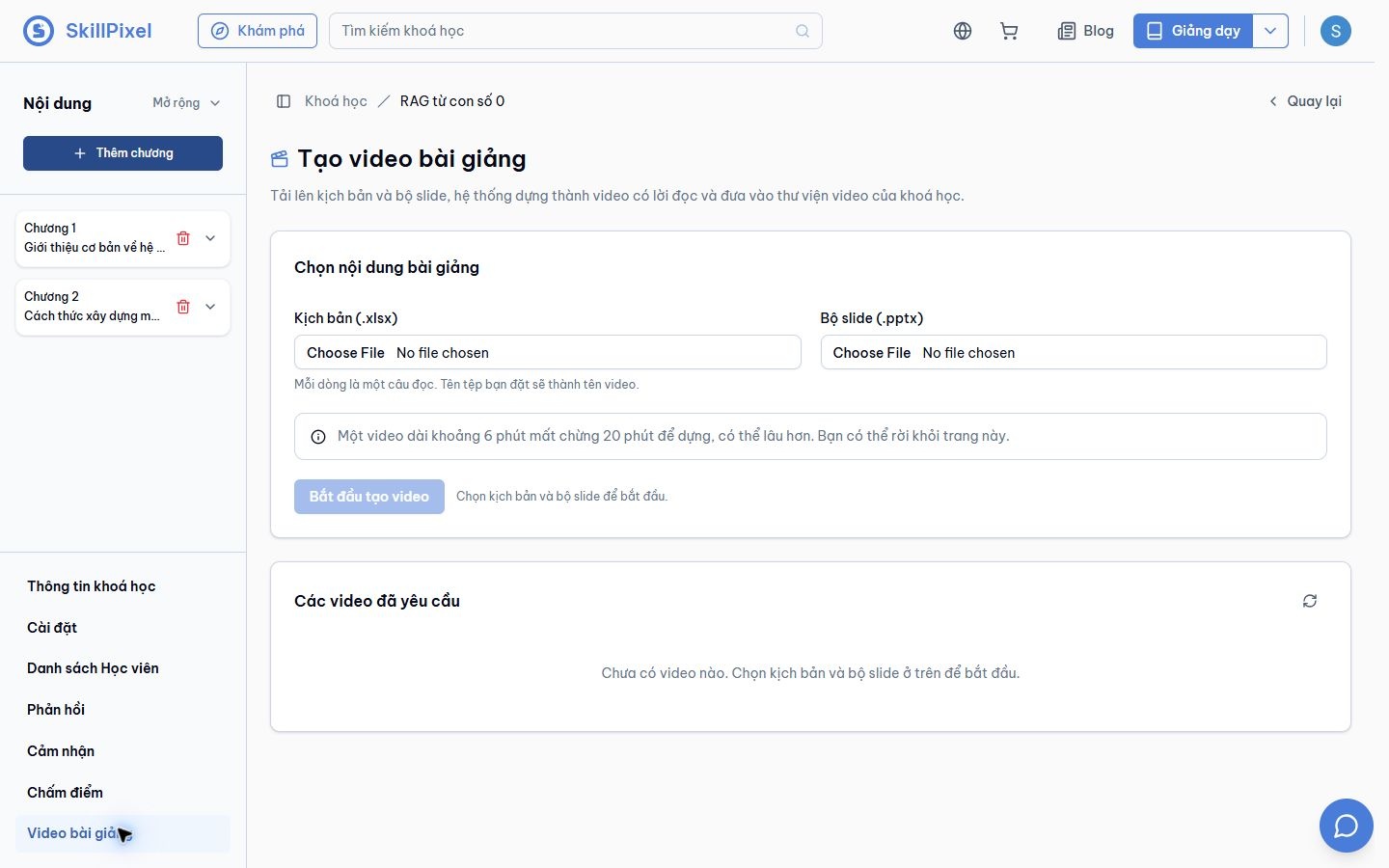
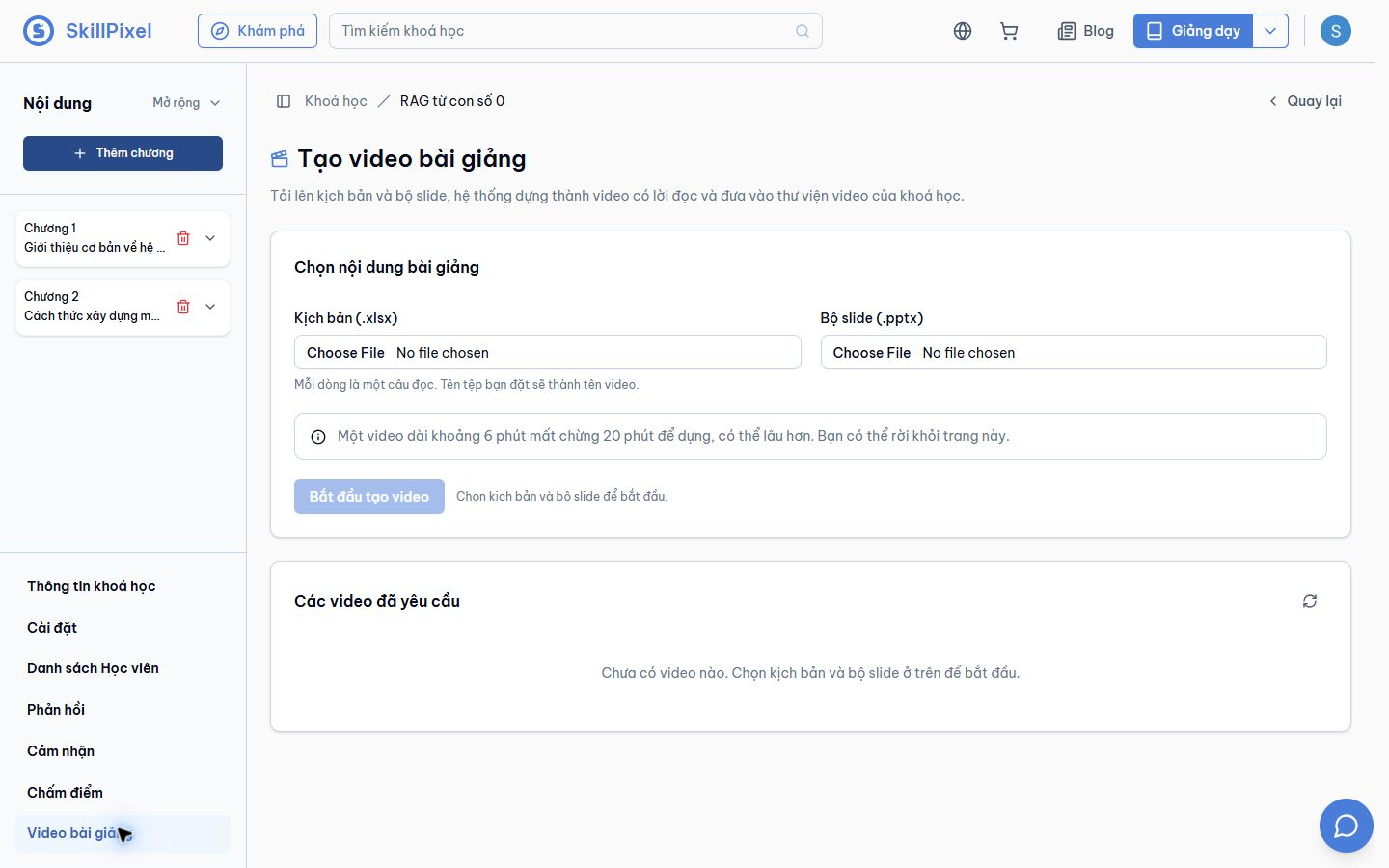
AI lecture video
Turn a script and slide deck into a narrated lecture video.
SKILLPIXEL / BETA / MAIN TENANT
Review real AI screens, choose images for the LMS sales page, and download the source files.
Captured on beta.skillpixel.vn, using the main tenant only. No other tenant screens are included.
12 screenshots cover tutoring, support, lesson review, document import, essay grading setup, lecture video creation and AI administration.
These are live beta screens. Tutor prompts and the import document use synthetic examples. A visible control does not prove its full workflow is ready.
Download all imagesStart with the tutor responses, document import preview and lesson review results. Use setup screens to explain a workflow. The study assistant warning belongs in internal review.
Filter the library by intended use.
Open an image at full size and read its limit.
Use PNG for layout work or WebP for the website.
Turn a script and slide deck into a narrated lecture video.
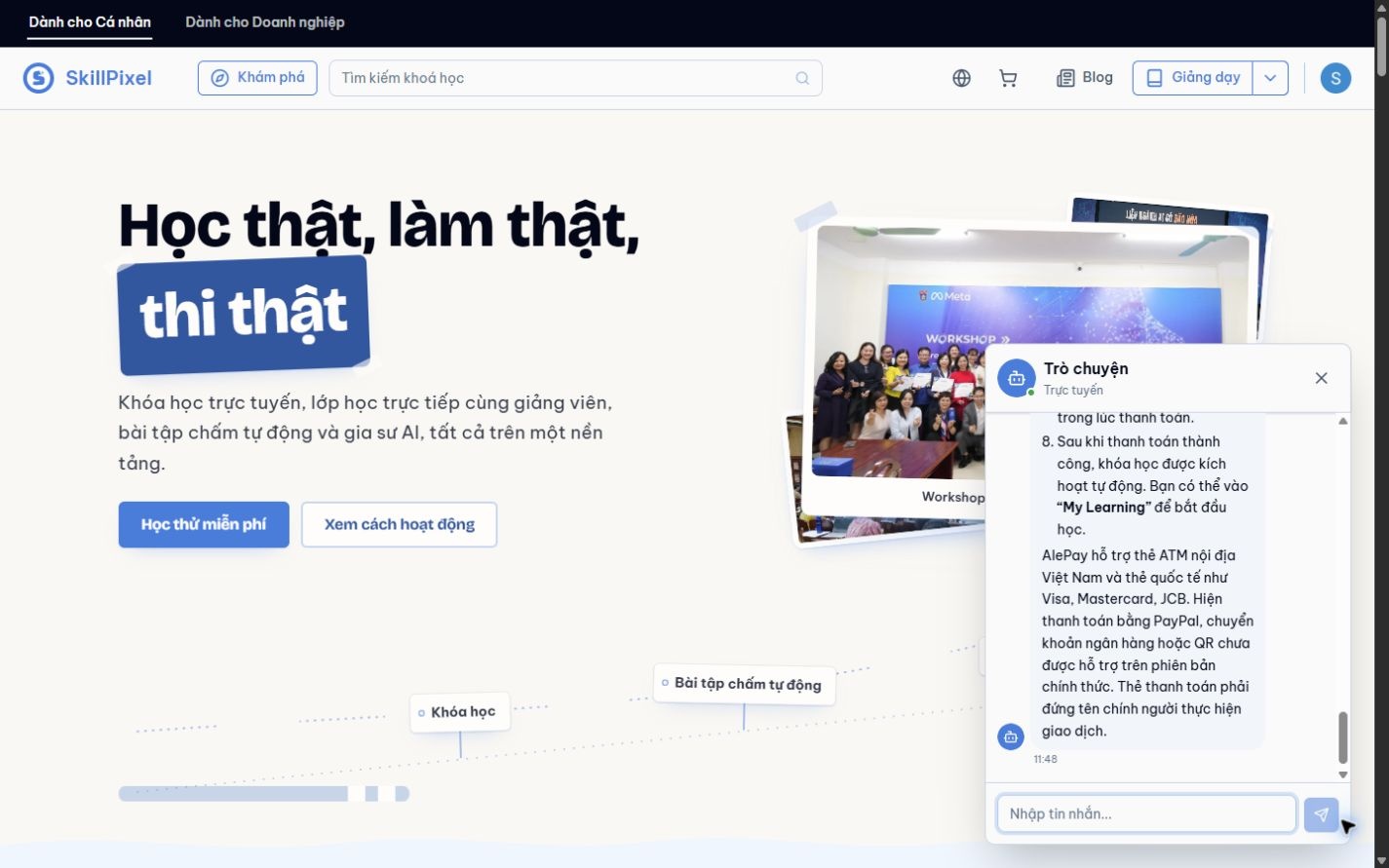
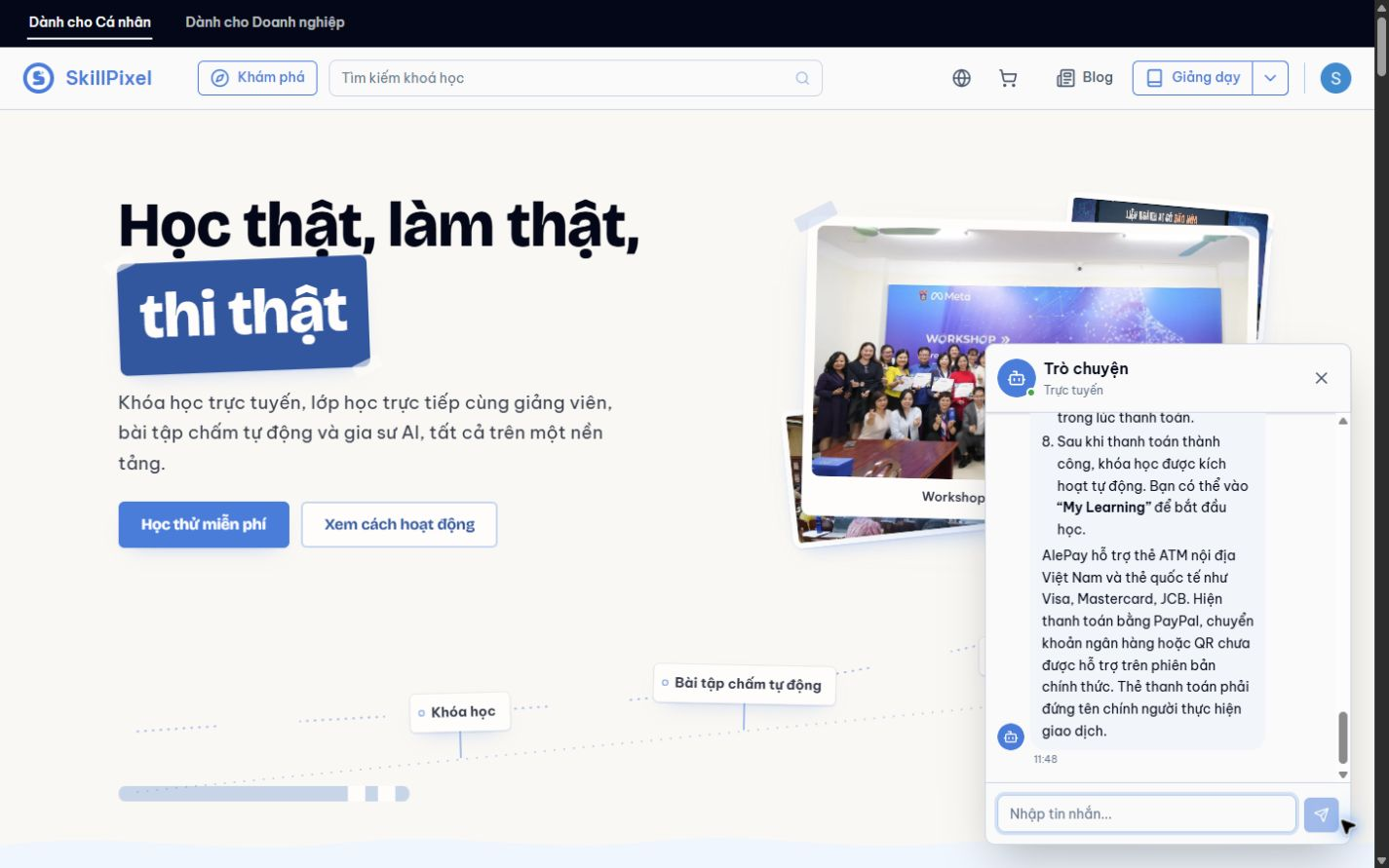
Answer common enrolment and payment questions in the website chat.
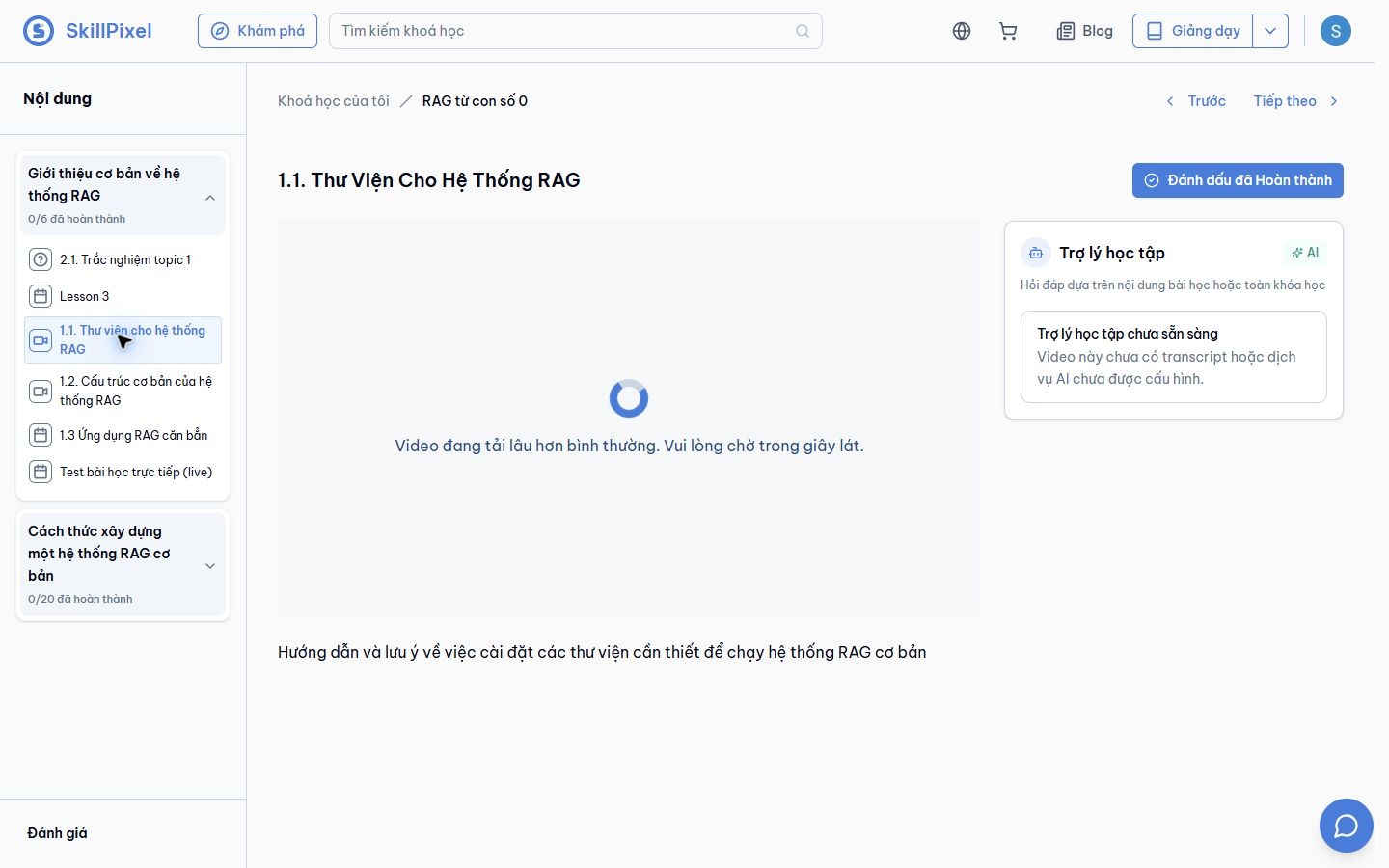
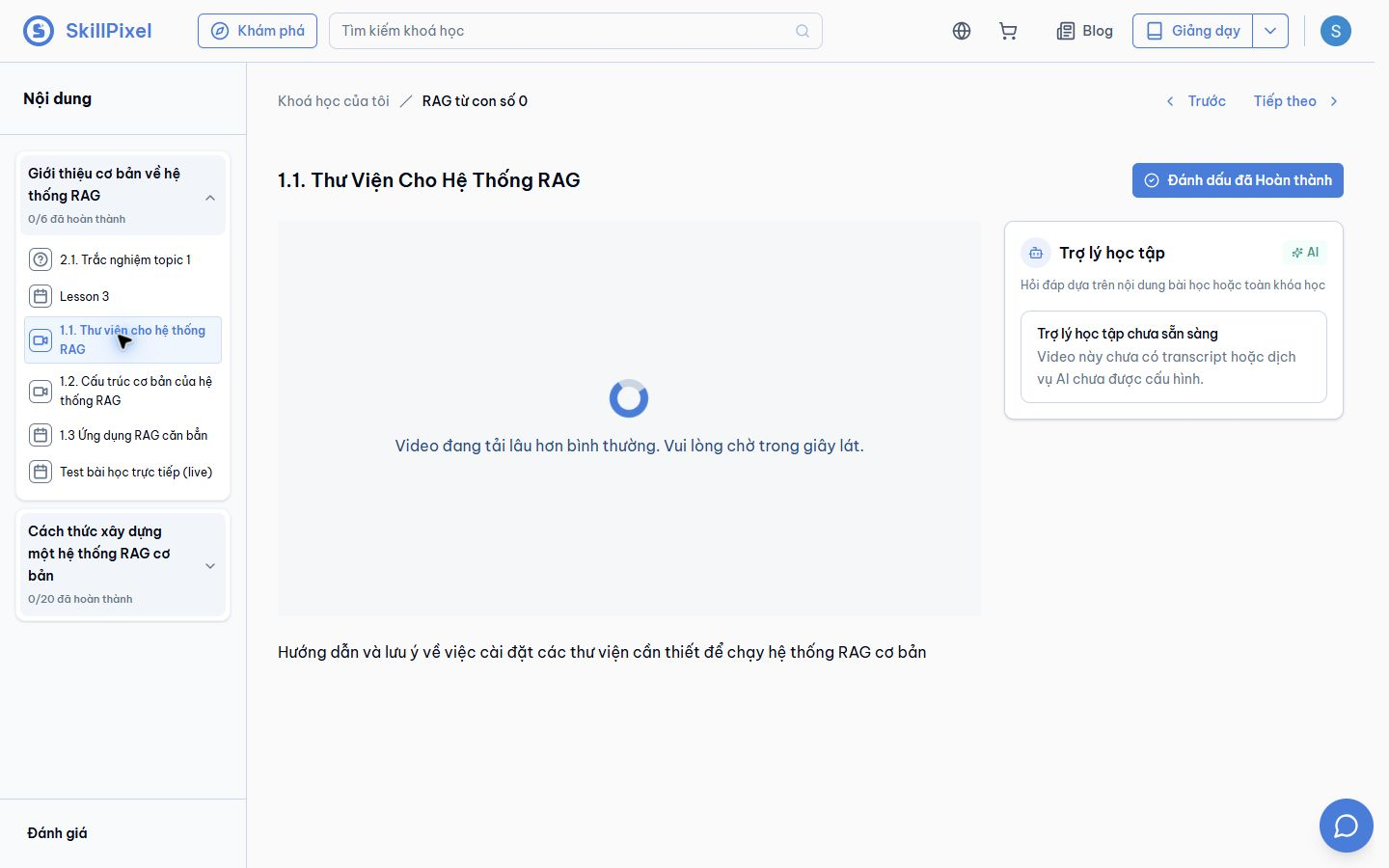
Ask questions grounded in a lesson or course.
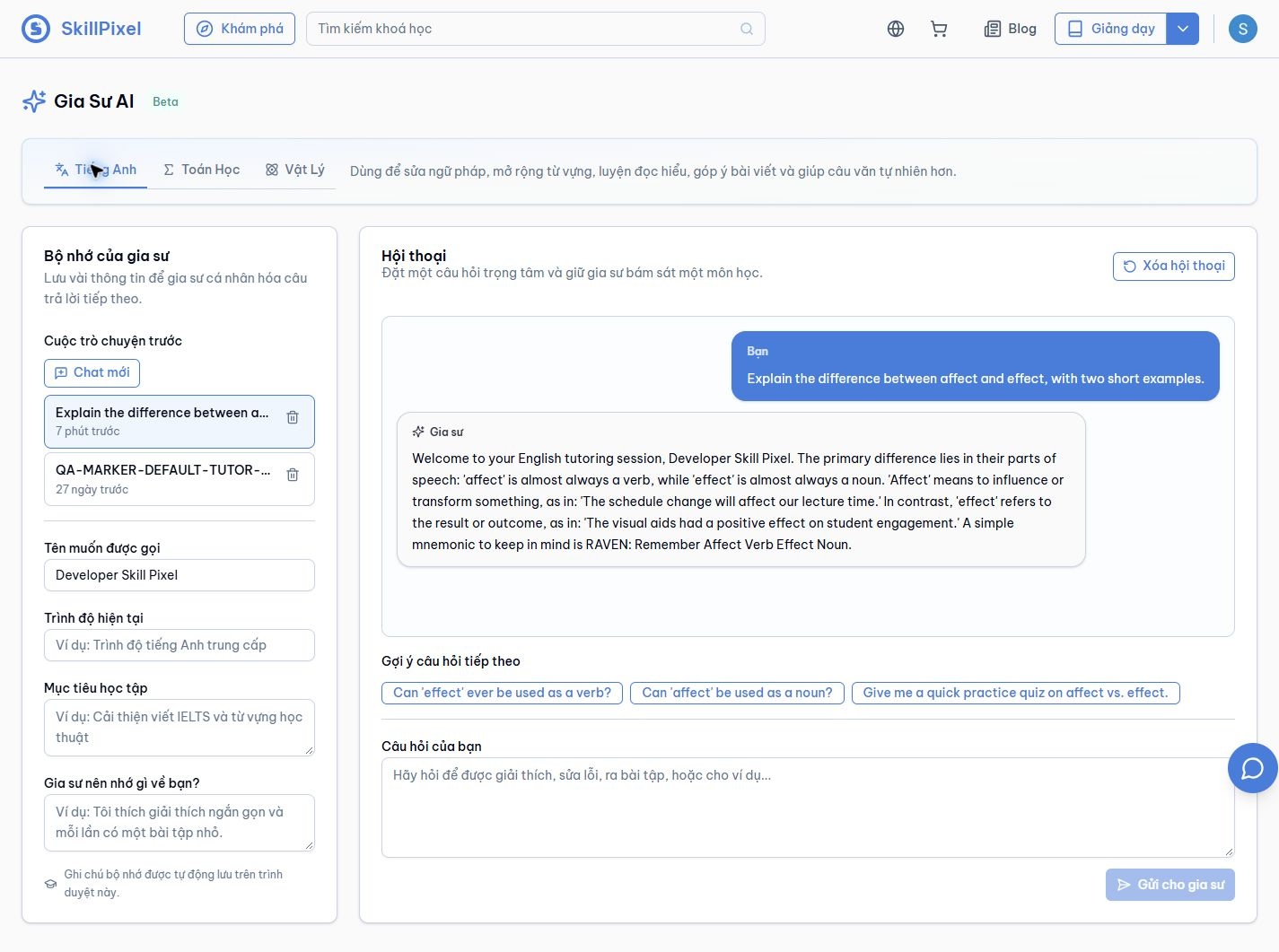
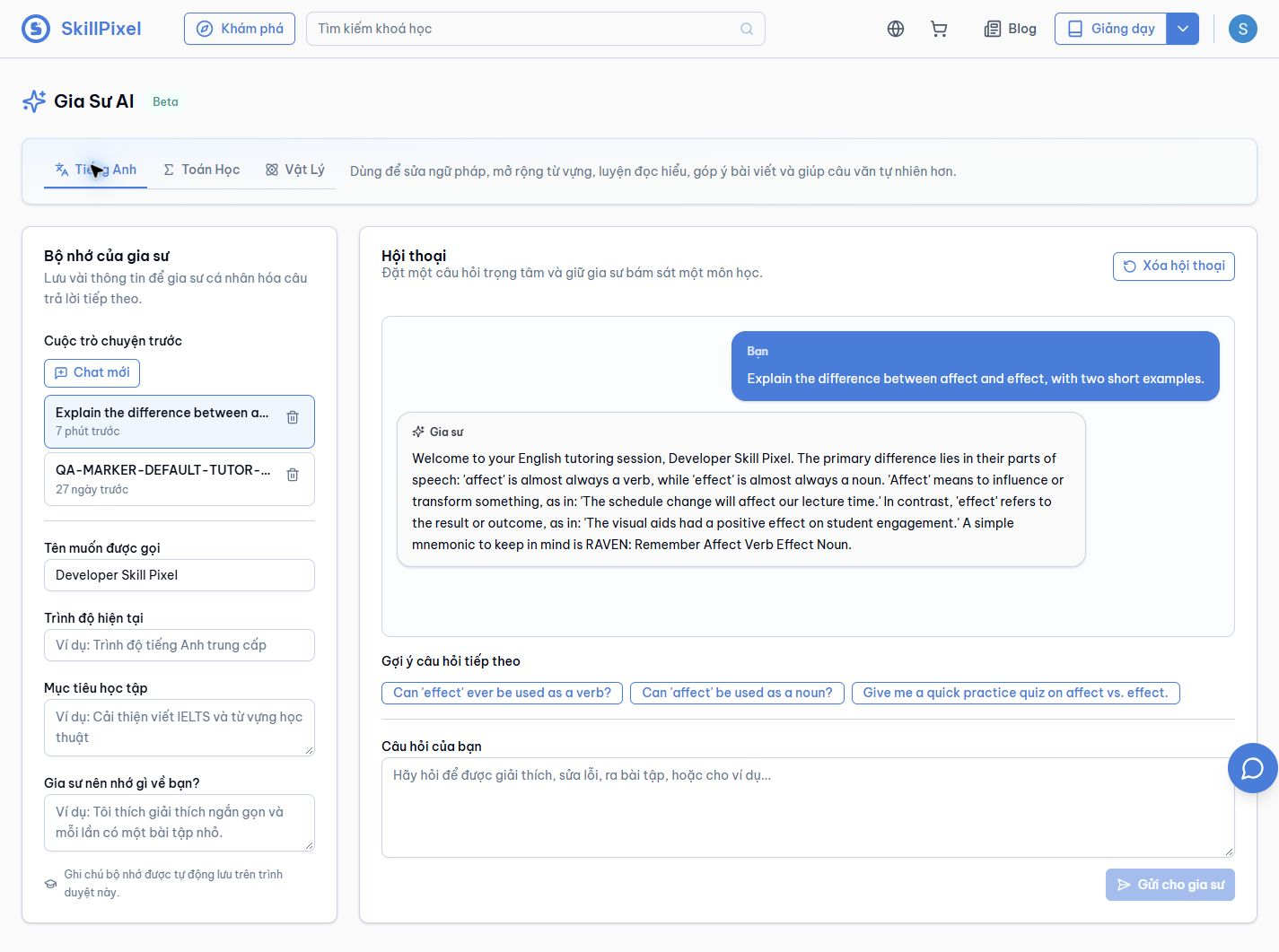
Explain grammar and vocabulary, then suggest follow-up questions.
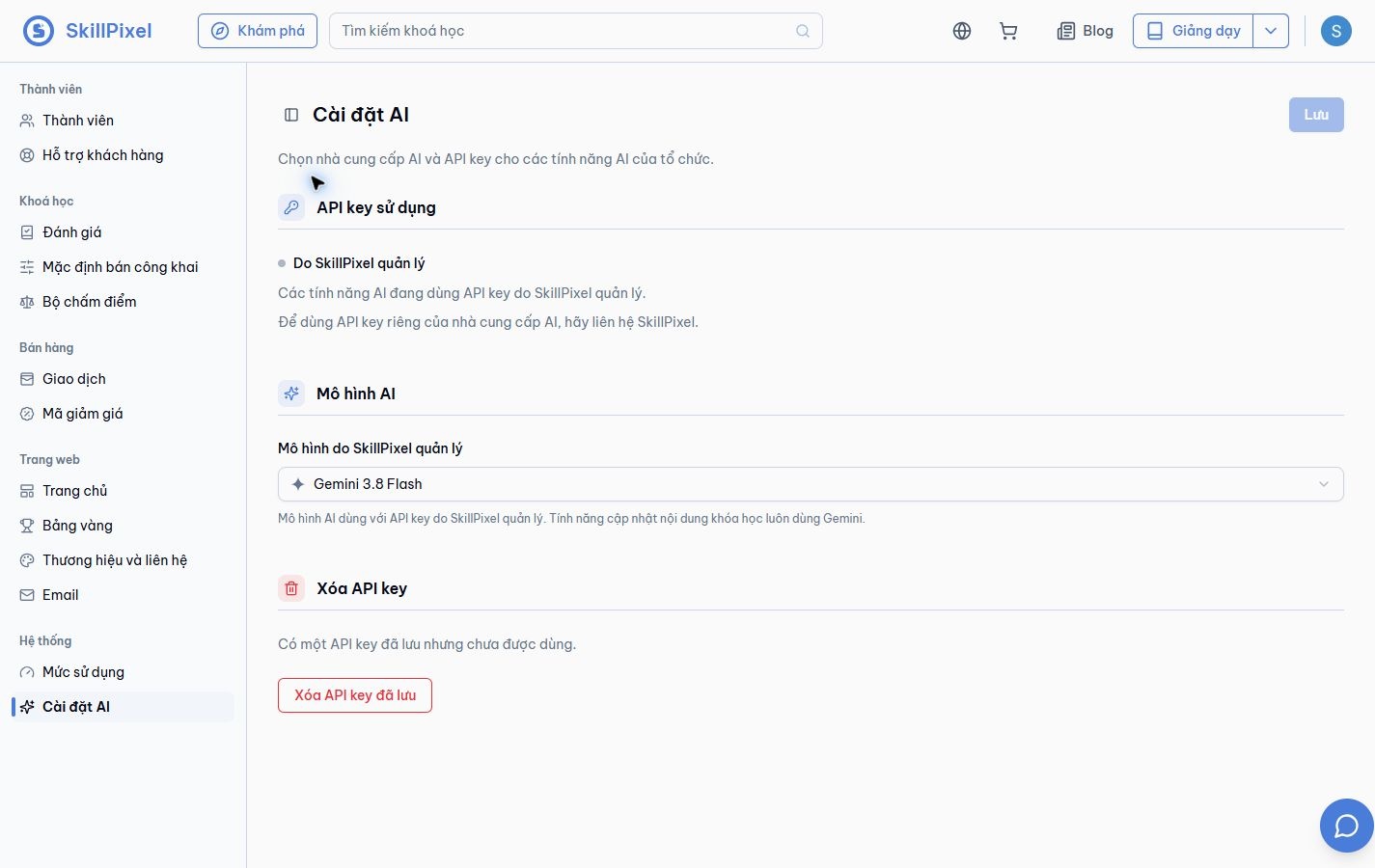
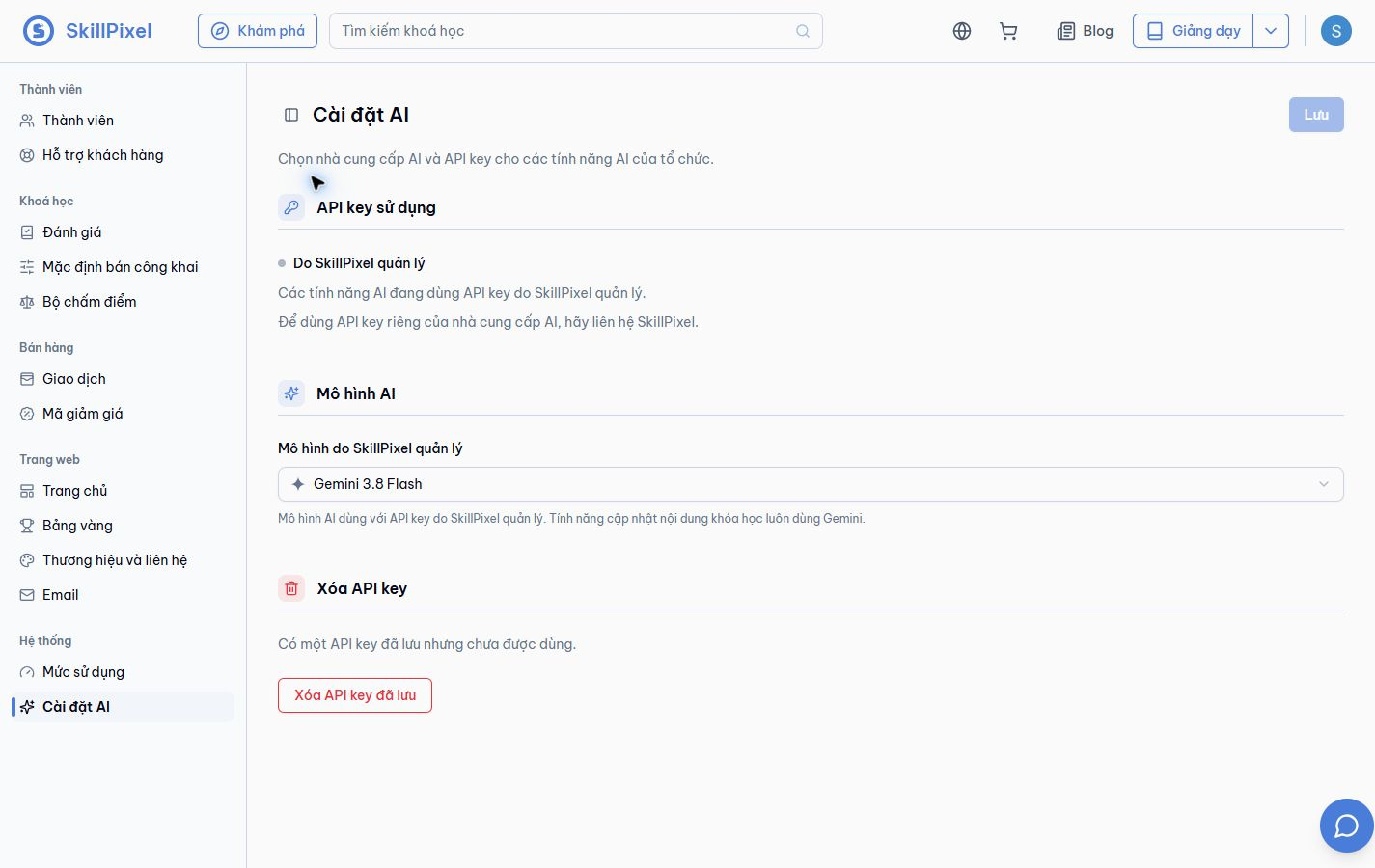
View the managed AI provider and select an available model.
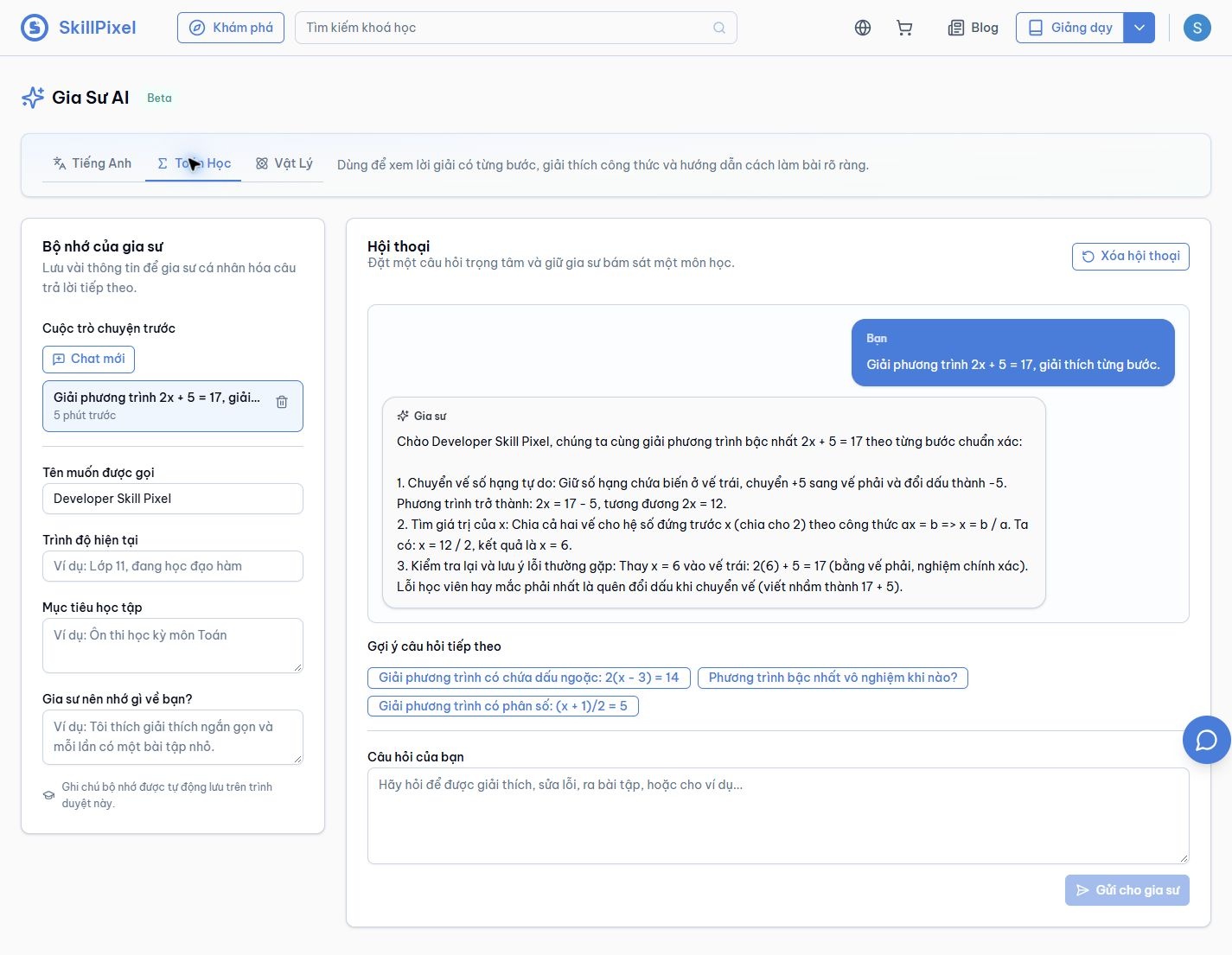
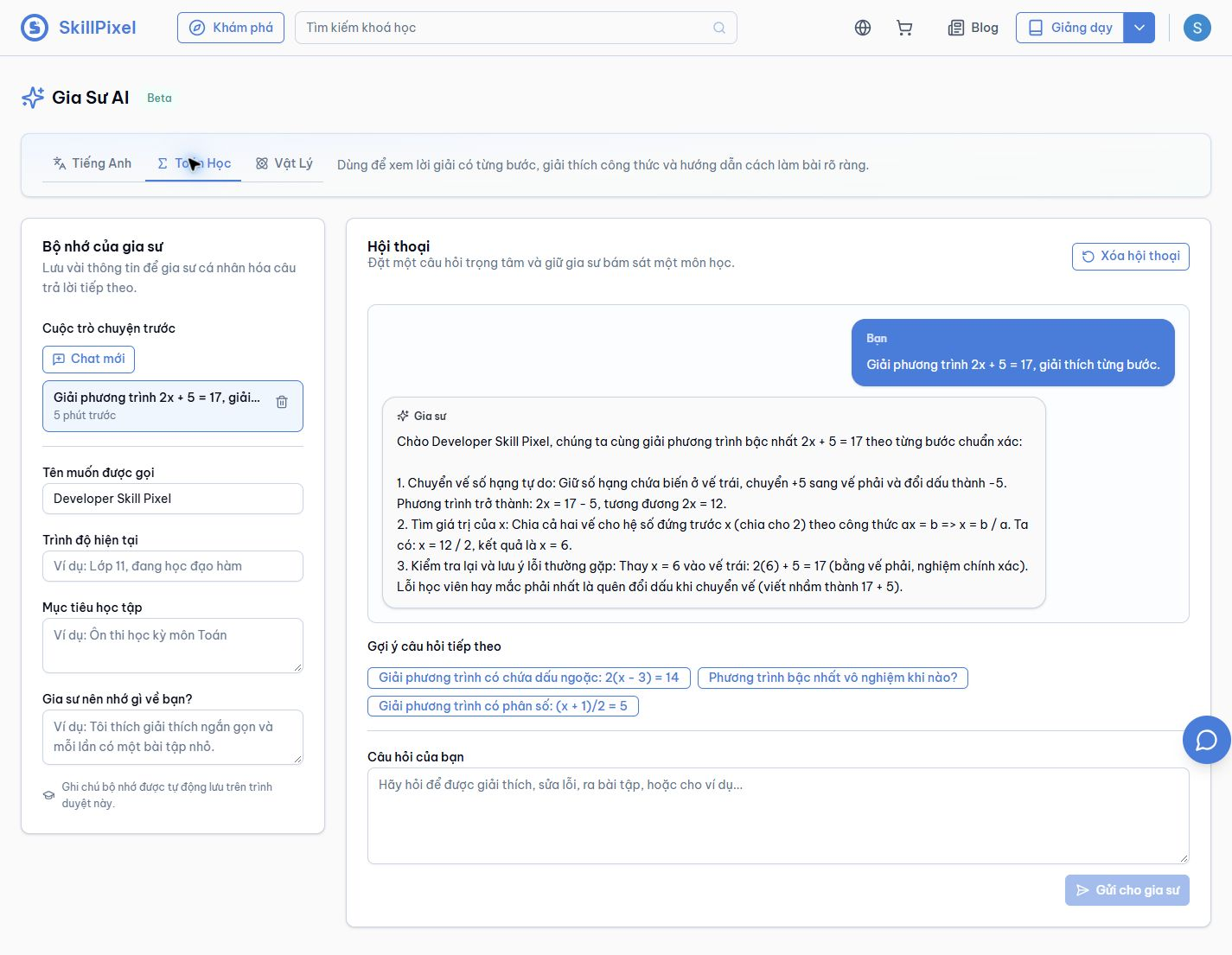
Explain an algebra solution one step at a time.
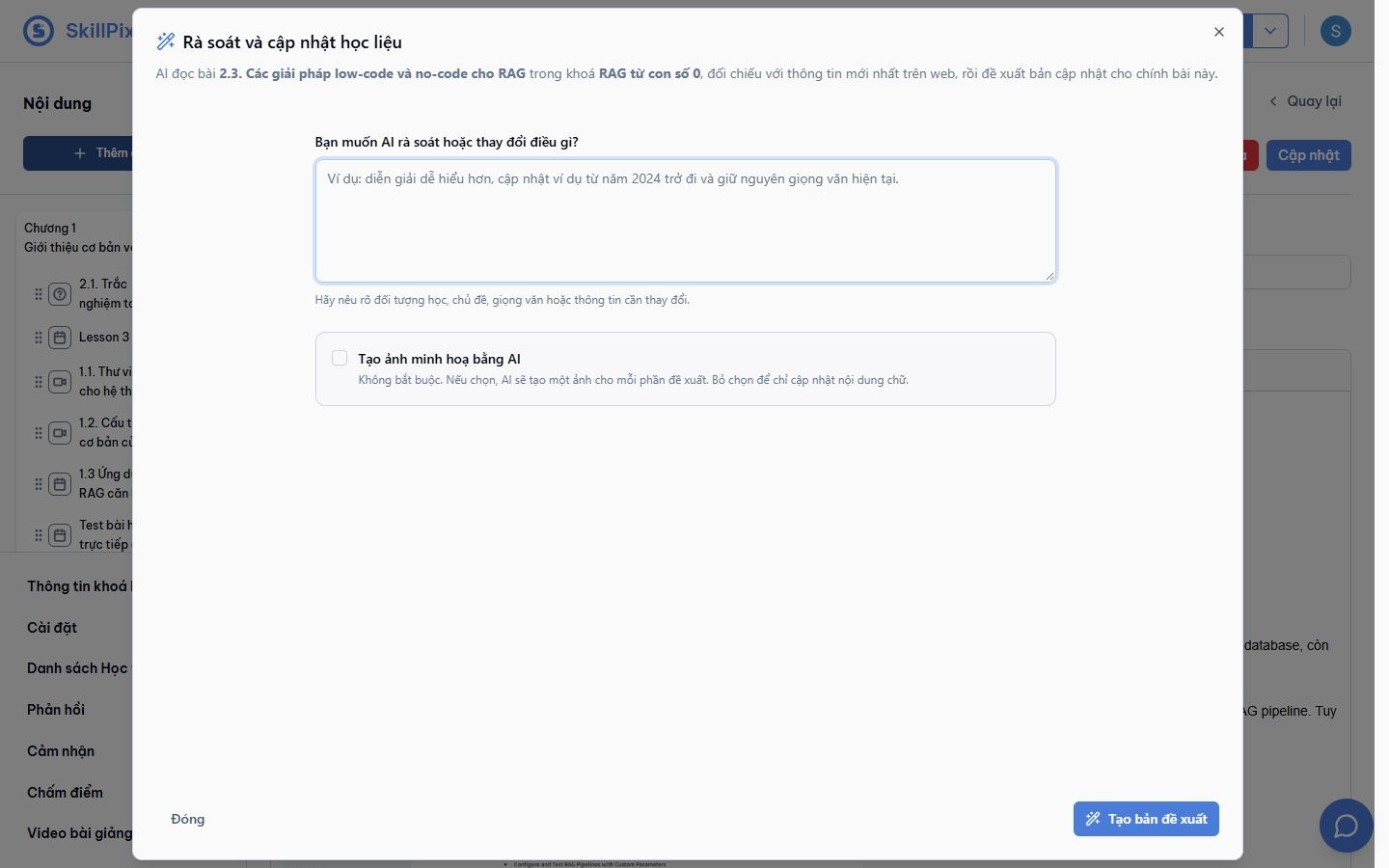
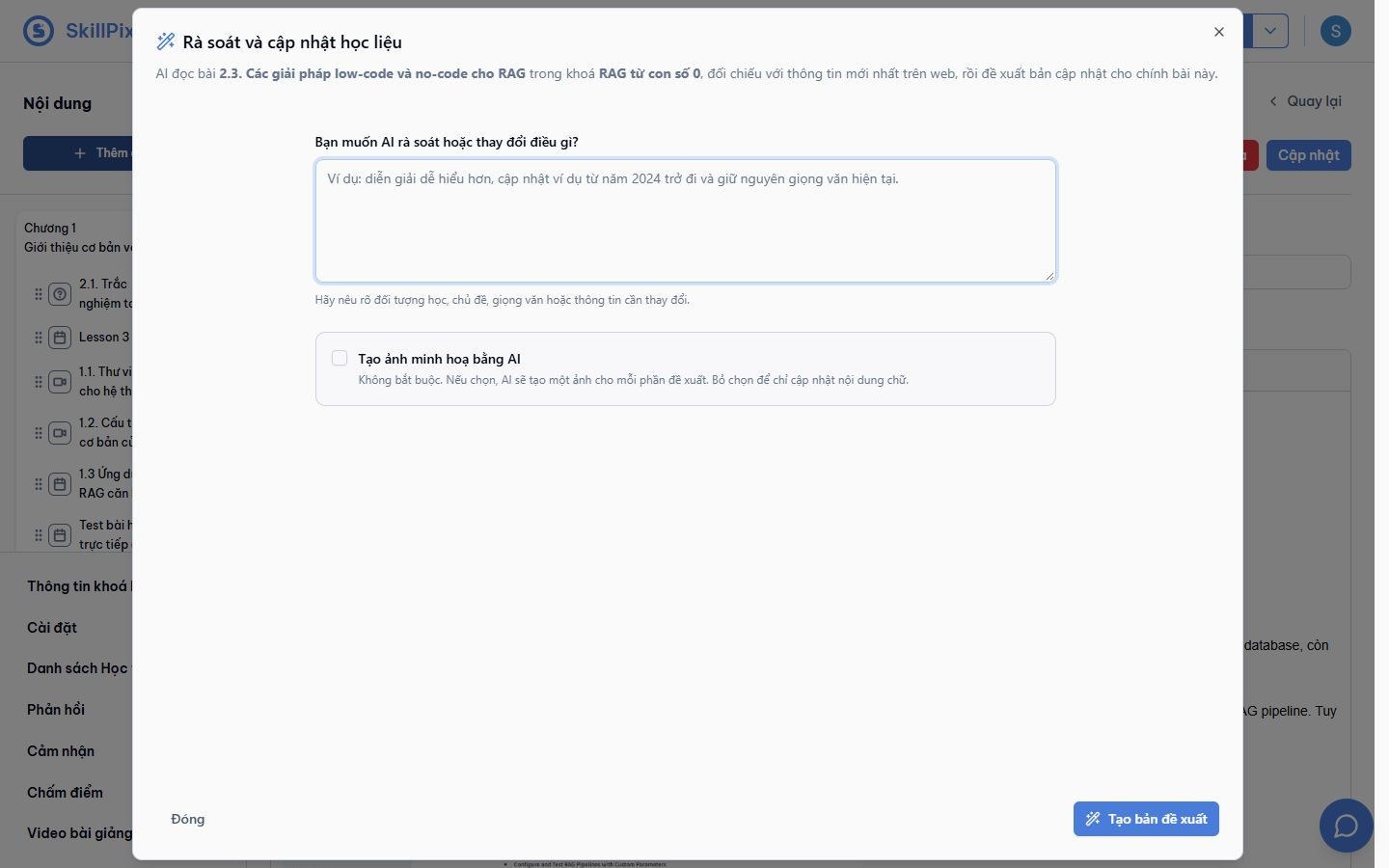
Request a lesson update and optionally include AI illustrations.
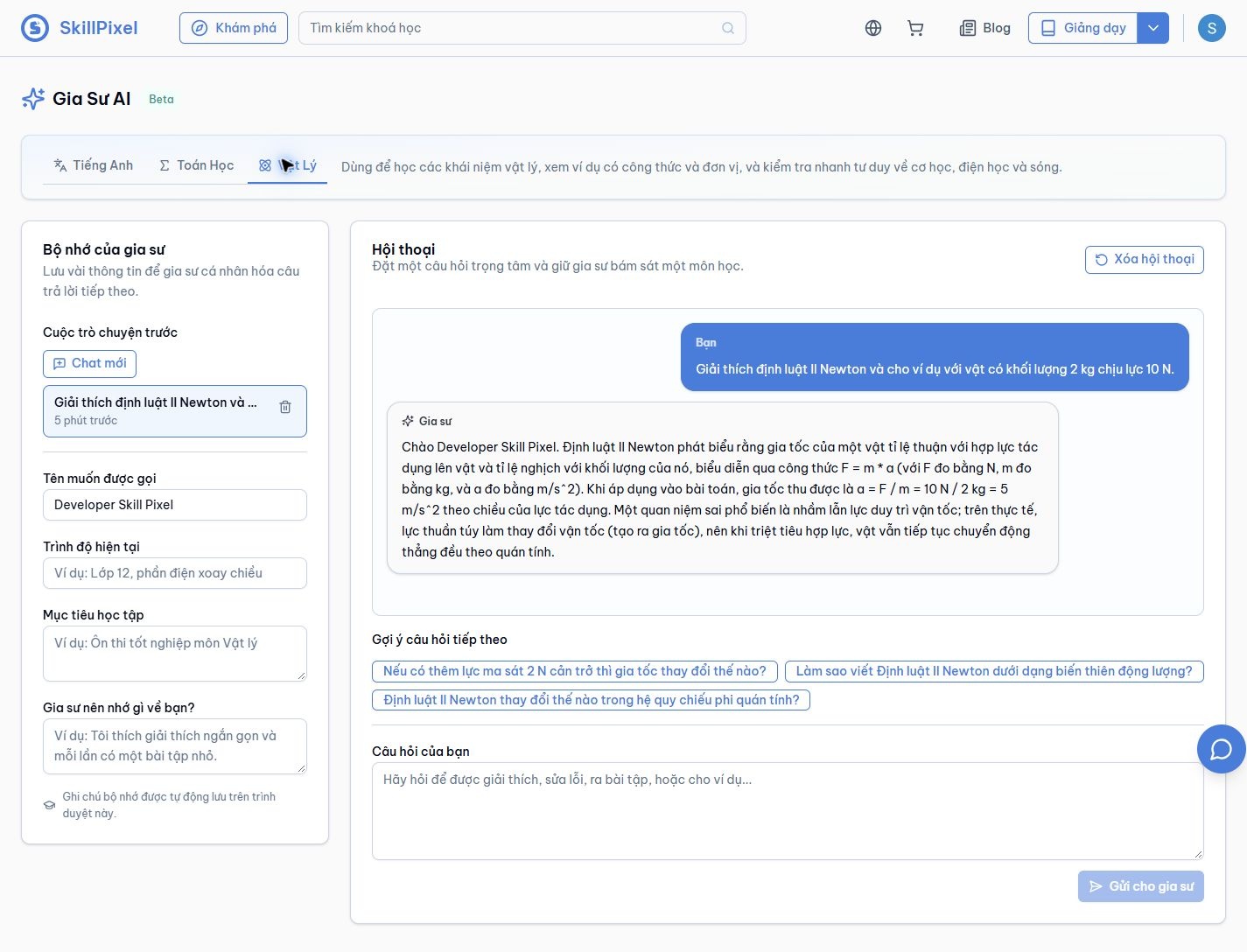
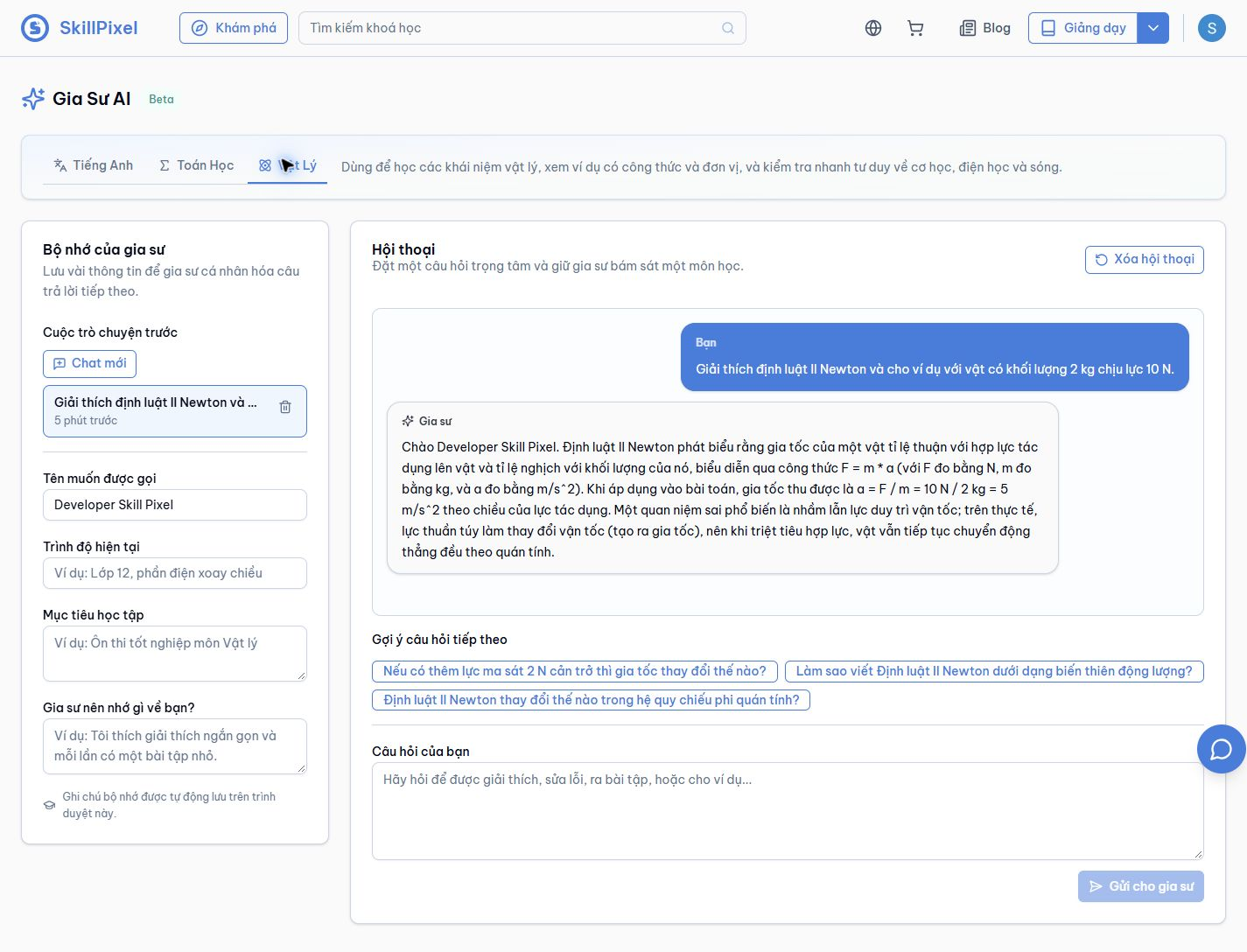
Explain a physics concept with formulas, units and a worked example.
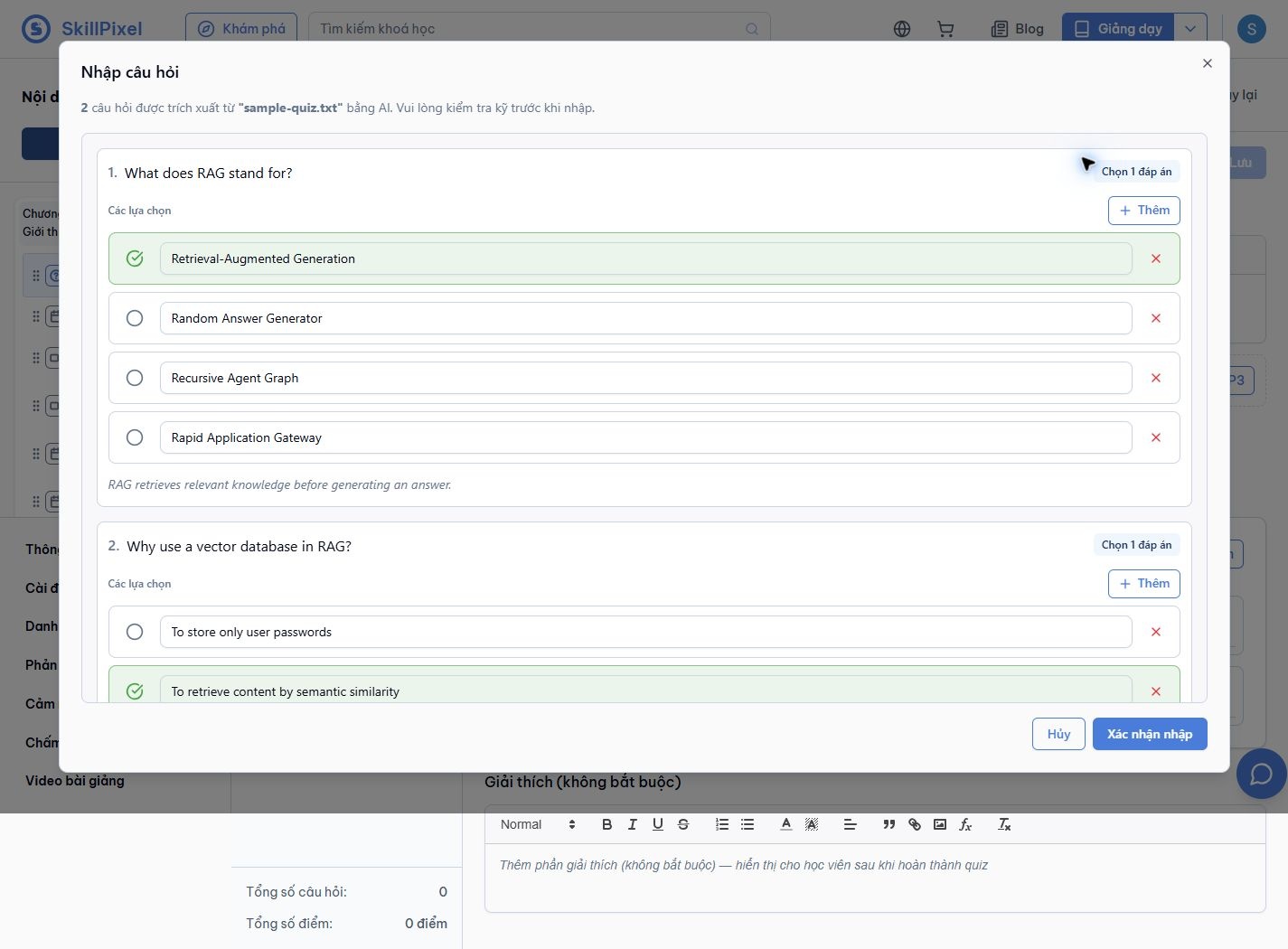
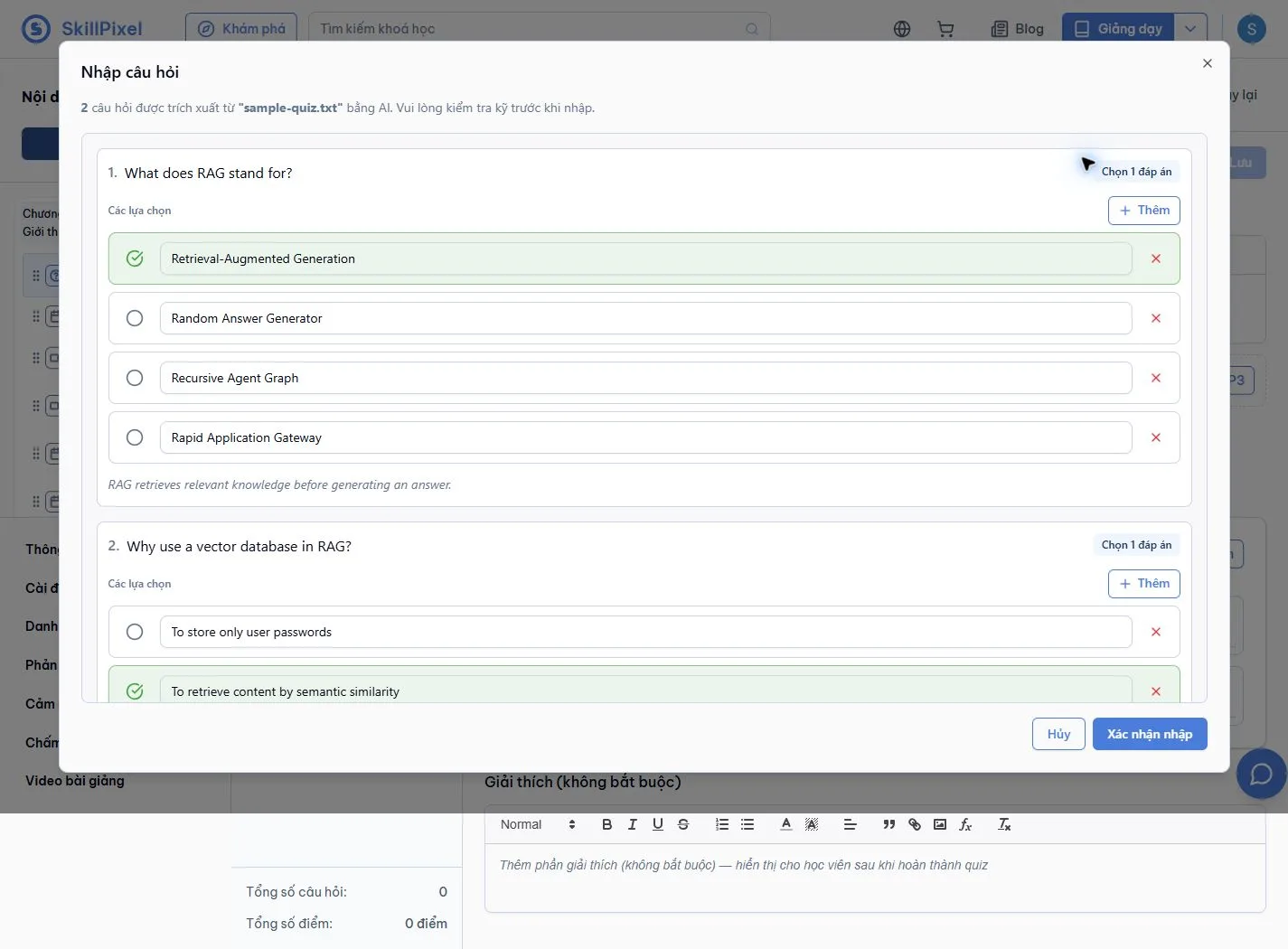
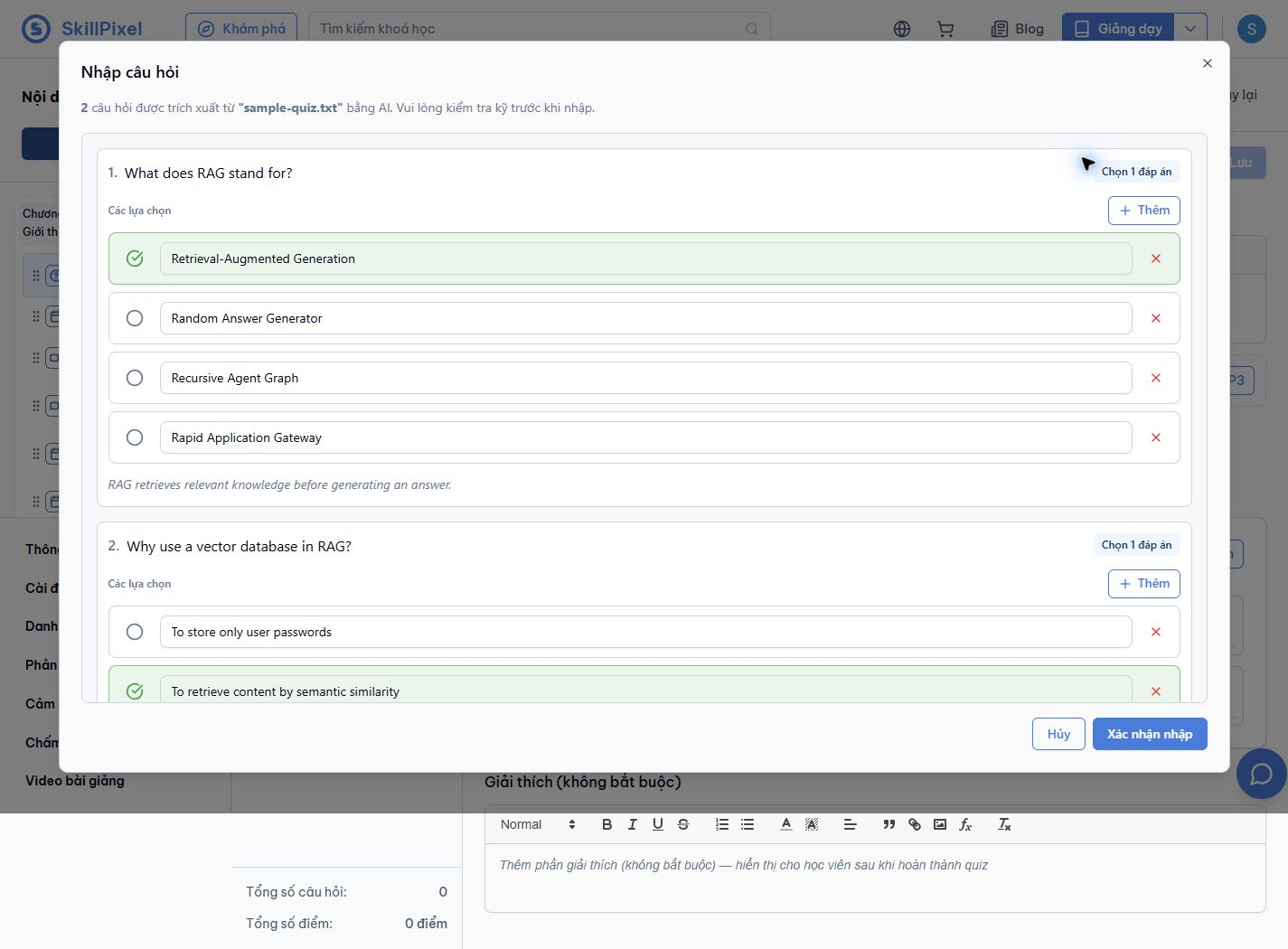
Extract questions, answer choices, correct answers and explanations from a document.
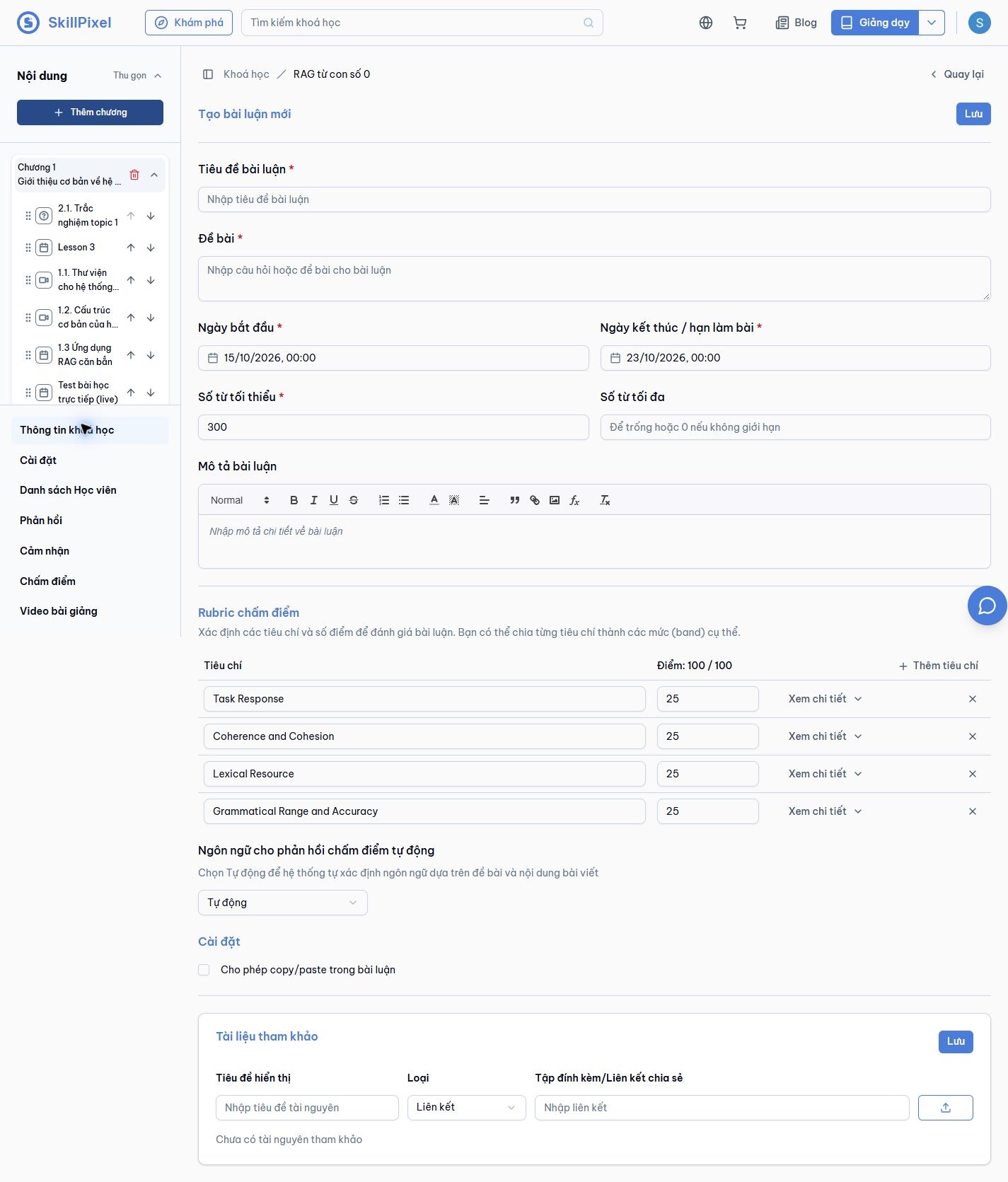
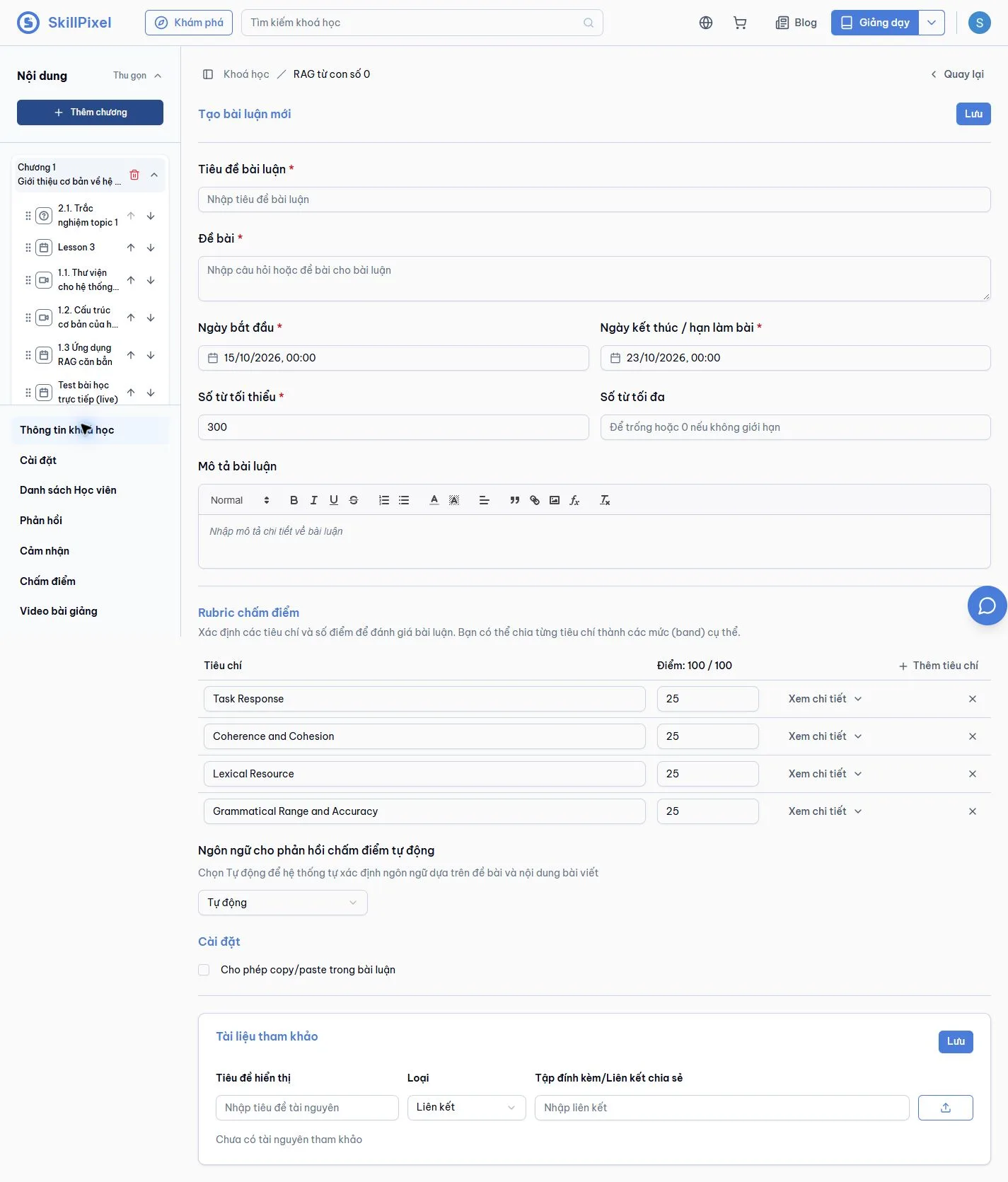
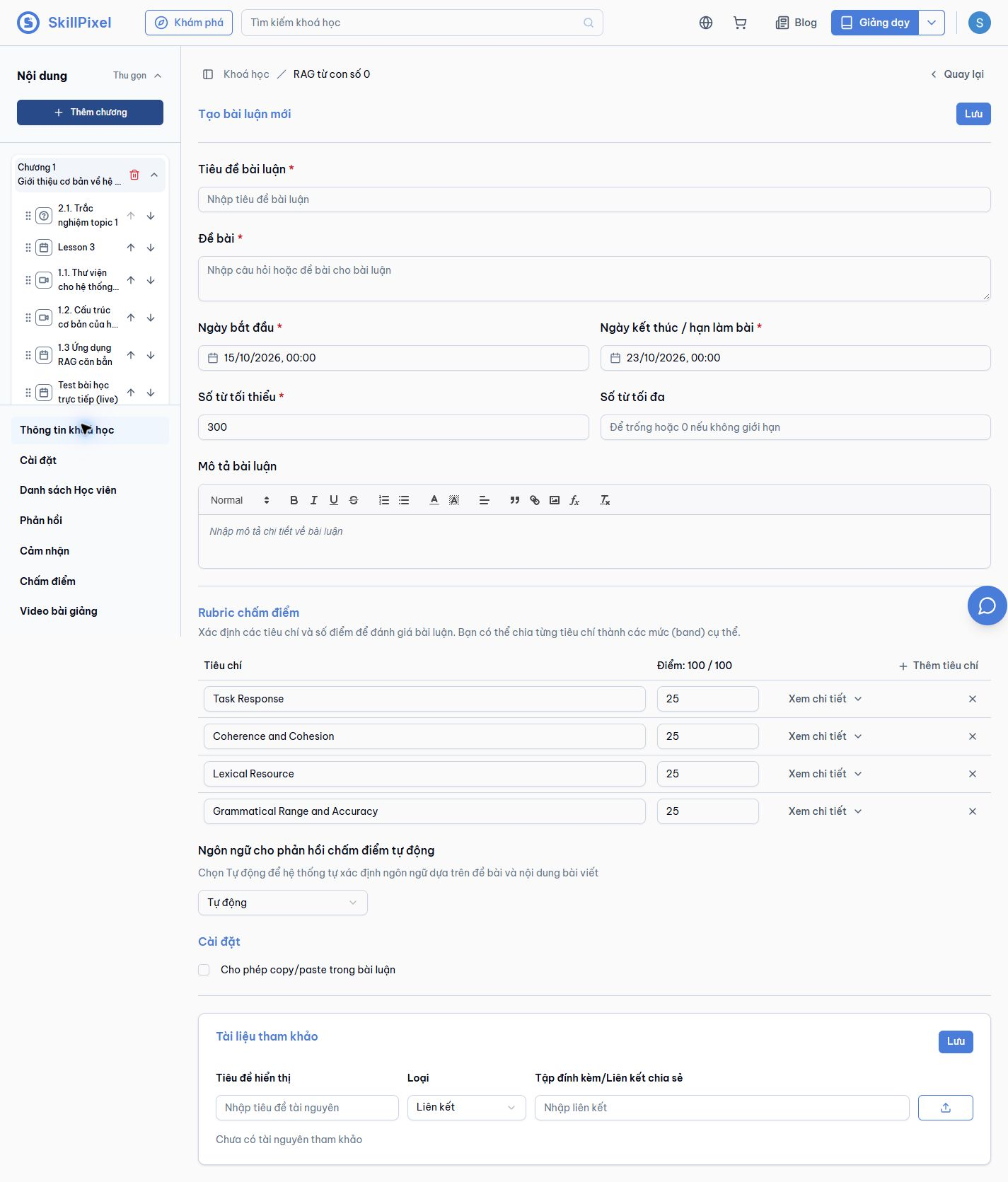
Define a rubric and choose the language of automated grading feedback.
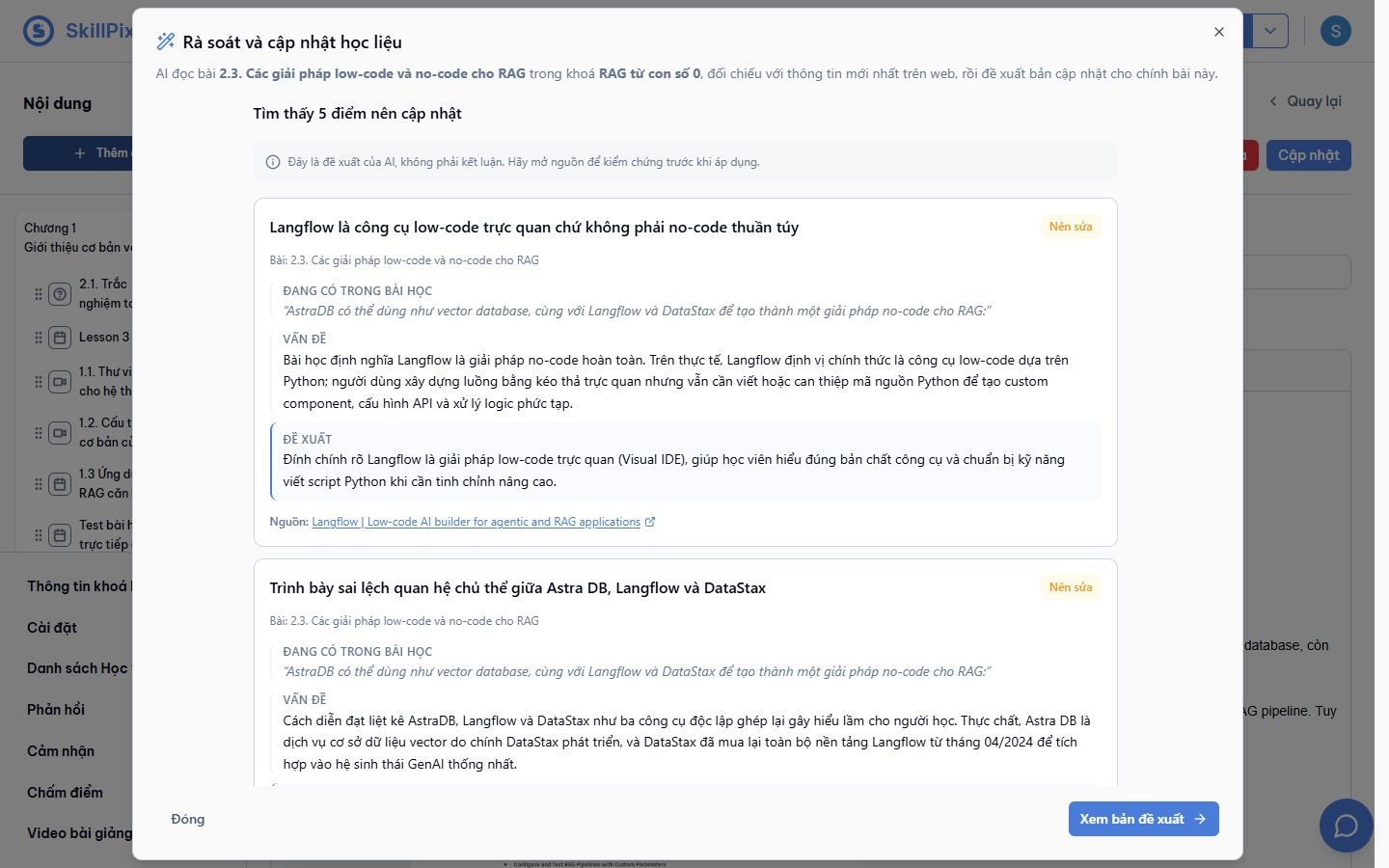
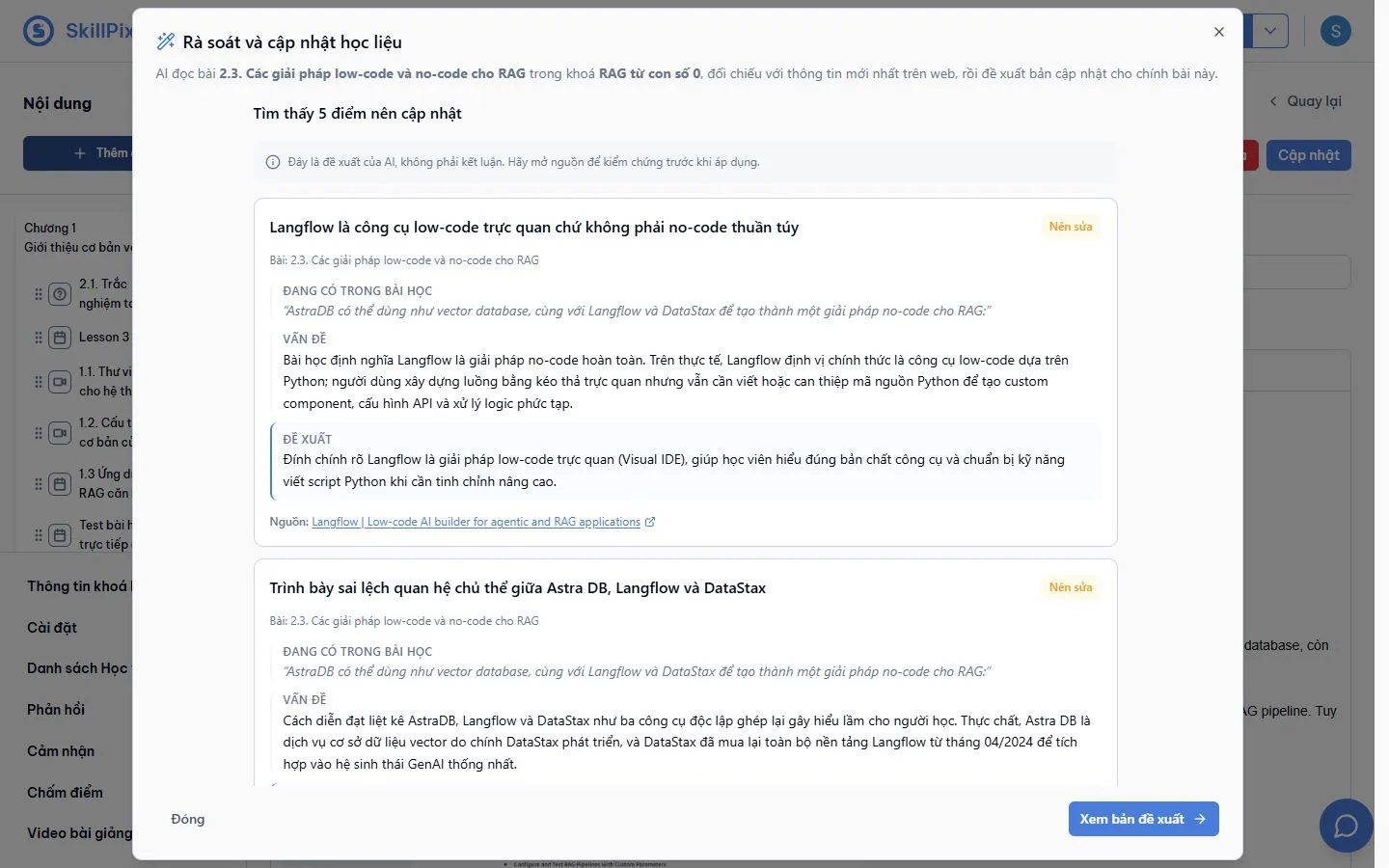
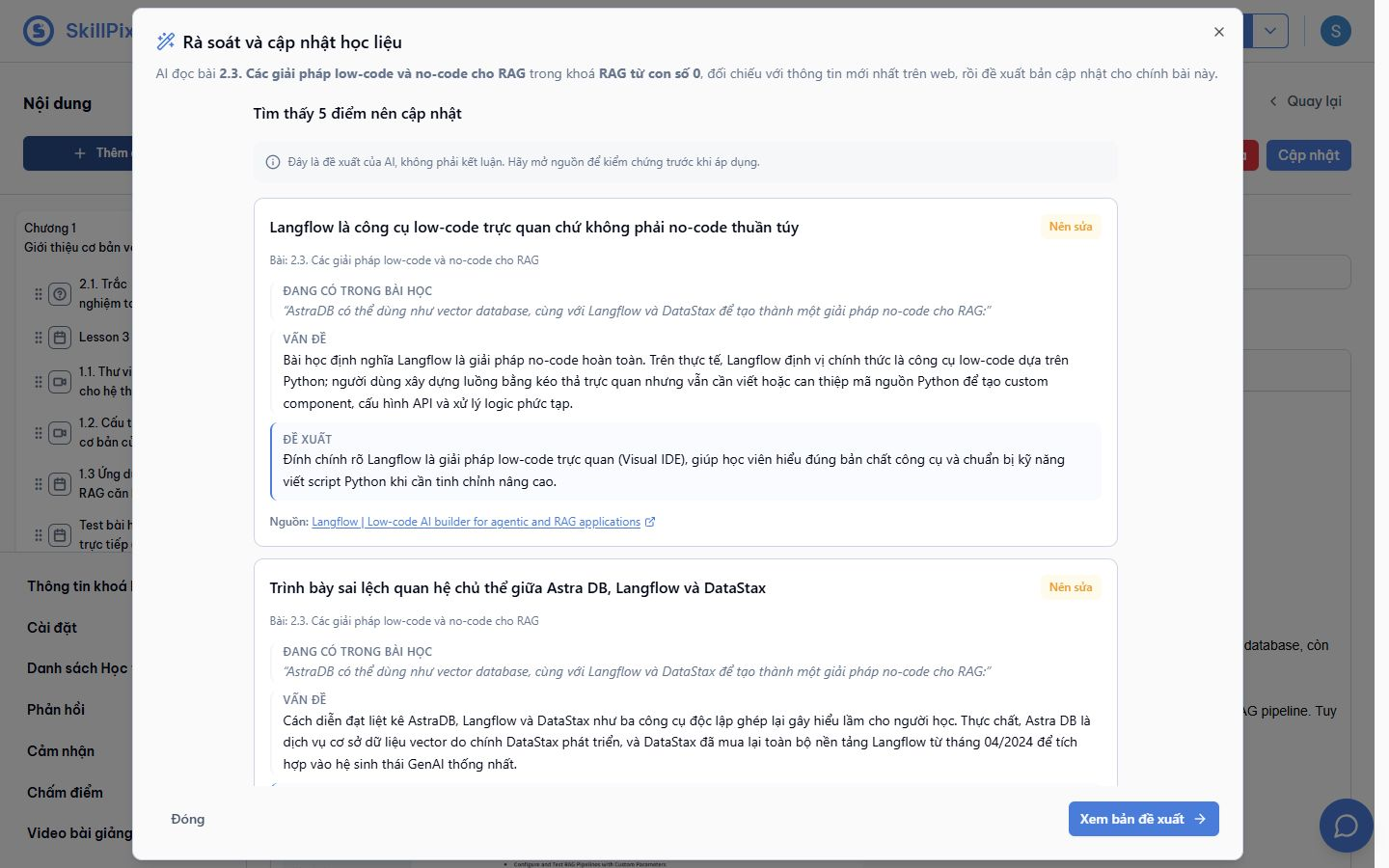
Find outdated lesson content and inspect proposed corrections with source links.
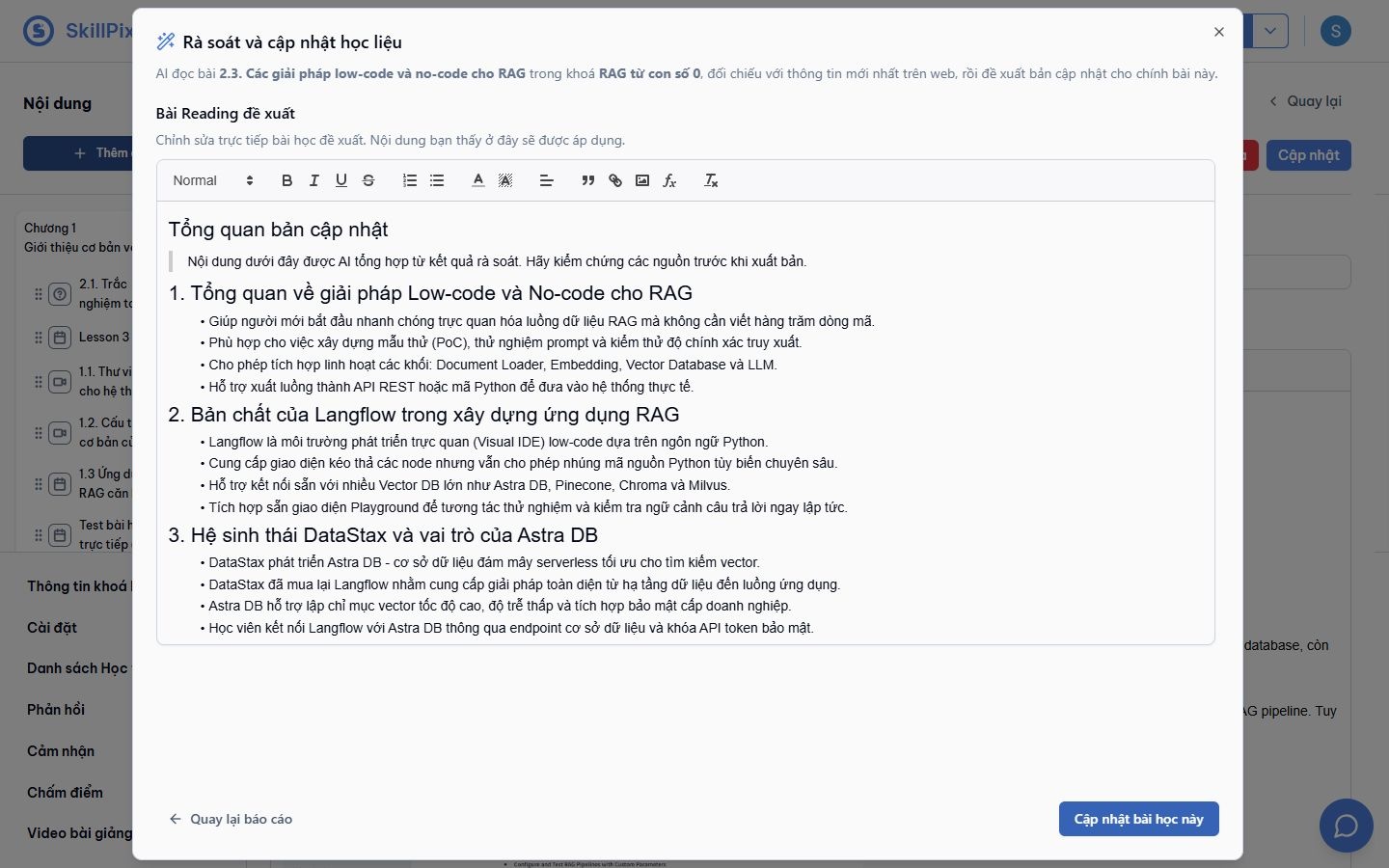
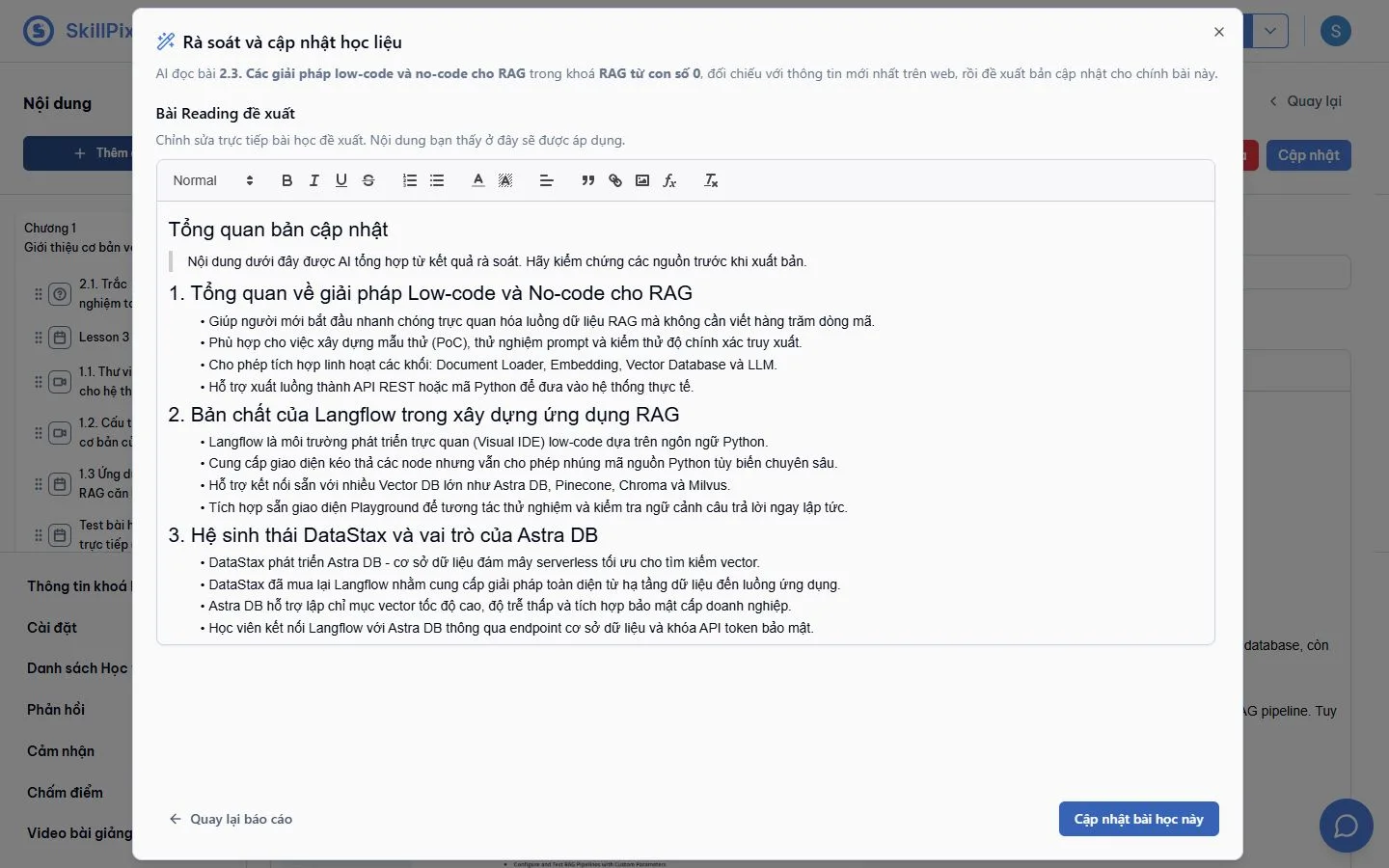
Review and edit the proposed lesson before applying it.
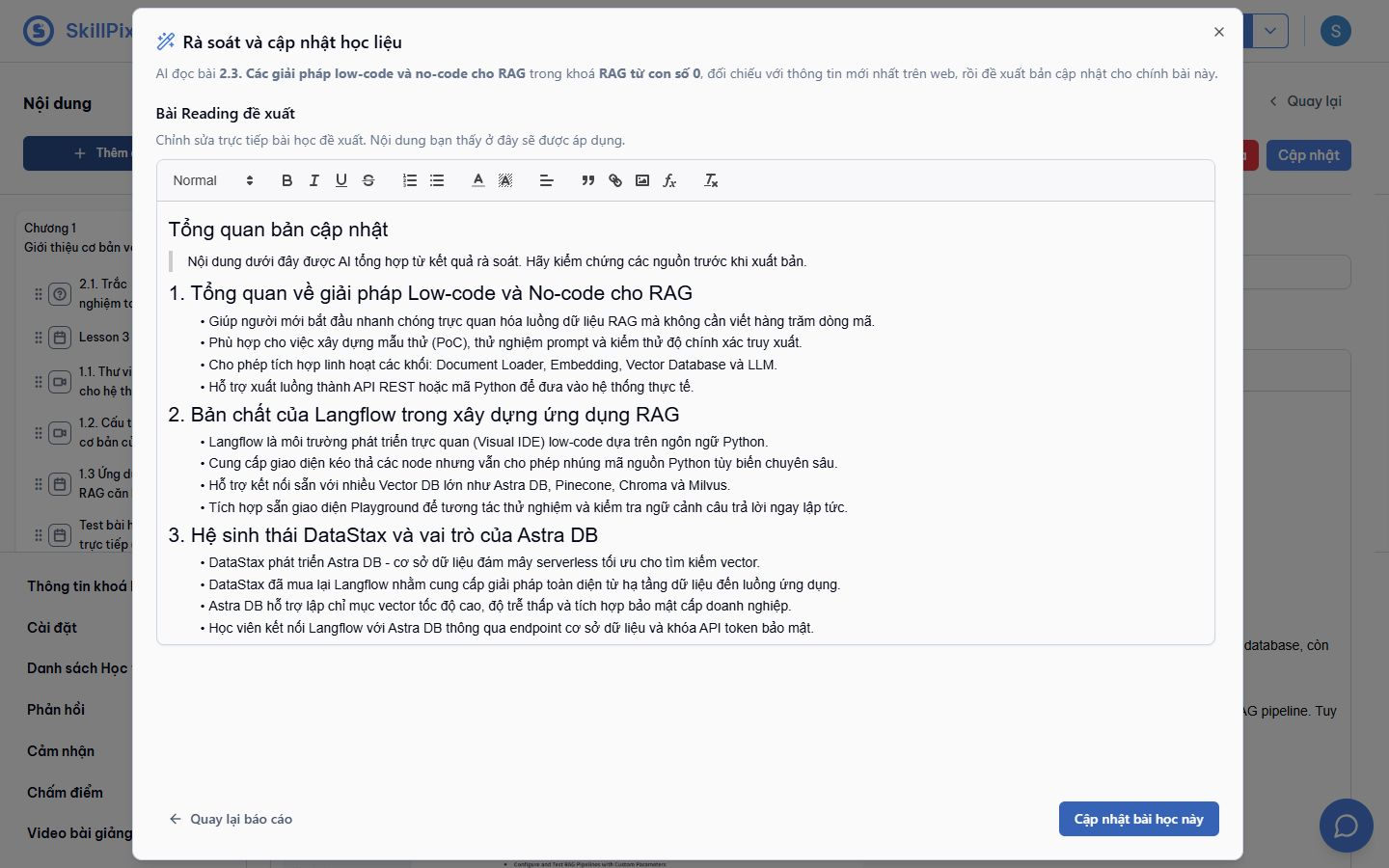
English, mathematics and physics tutors generated new responses. The quiz import produced the two expected questions and answers. Lesson review produced source links and an editable replacement.
The algebra answer was checked by substitution. Newton's law example was checked as 10 ÷ 2 = 5 m/s². AI explanations and cited source claims still need editorial review before sales publication.